
Qlix
Lessons that aren't locked into one long document
When a plan is a wall of text, reuse means copy-paste and every rearrange means rewriting. QlixDocs builds lessons from composable phases and blocks - starters, mains, plenaries, worksheets, quizzes - so you can reorder building blocks, reuse what worked, and rebuild a lesson in seconds without starting from scratch.
Start free trial


Feature
Phases and blocks - building blocks you can rearrange
Each lesson plan is a workflow: vertical phases (Starter, Main, Plenary) with horizontal blocks inside each phase. Every block is one teaching step you can drag, reuse, or swap - so composable lessons stay flexible instead of locked into one long document.
- Starter, Main, and Plenary swimlanes out of the box
- Multiple blocks per phase - order them left to right
- Drag blocks and phases to reorder without losing content
- Templates set up phase structure; you fill in the teaching


Every modality, one lesson
Each block has a type that controls its editor and exports. Mix teaching notes, slide decks, worksheets, quizzes, games, discussions, and practicals in a single lesson - each with the right tool for the job.
Presentations
Slide markup in the editor. Export one block or merge every presentation in the lesson into a single PPTX deck.
Worksheets
Questions and answer keys in one place. Export student PDFs and mark schemes separately.
Quizzes
Build in the quiz editor, share a Go link with the class, and collect evidence automatically.
Practicals
Instructions plus required equipment. Kit lists aggregate on the lesson page automatically.
Teaching & discussion
Rich text for explanations, modelling, and class dialogue - the backbone of every plan.
Games
Reusable activity shells from your library with variant question sets.
Download a full lesson pack in one click
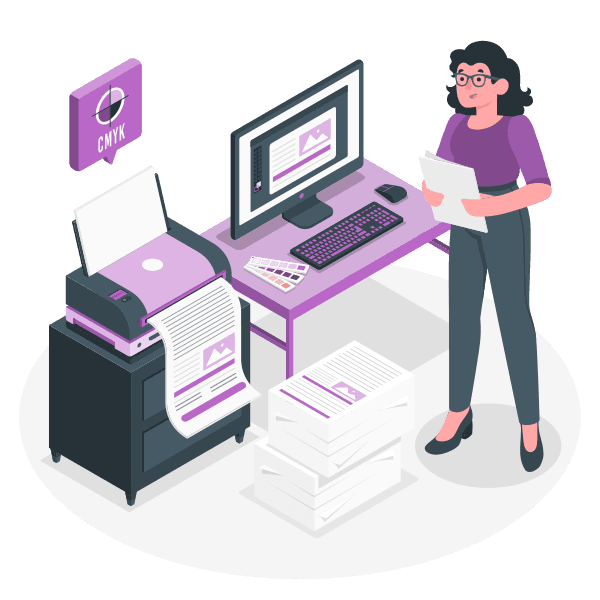
Open any lesson and export everything you need for Monday: print preview, combined presentations, worksheet PDFs, answer keys, and quiz links - generated from the materials already in your plan.
- Presentations (PPTX) - all slide blocks merged in lesson order
- Worksheets (PDF) - student copies without the answer key
- Worksheet answer keys (PDF) - for your desk or department folder
- Quiz links - one menu item per quiz block in the lesson
- Lesson plan print preview - for observations and cover
Library activities linked to your plans
Drag an activity from Resources onto a lesson block, or create a new library activity straight from the plan. Choose content variants for differentiation - Standard, Support, Challenge - without duplicating whole lessons.

Feature
Linked lessons across your timetable
Teach the same plan on Monday with 9B and Tuesday with 10A? Link both slots to one master plan in Resources. Edit once, teach everywhere - or make a slot independent when a class needs its own version.
- See how many timetable lessons share the same master plan
- Make independent copies a lesson plan into Resources for one class
- Schedule-only slots still work for quick titles without a full plan
- The lesson page shows the same workflow whether you're planning or teaching

START FREE
Build once. Rearrange forever.
Composable lessons mean next year's class gets the same building blocks - reshaped for them, not rewritten from a blank page.